Log QSOs
The QSO logger saves contacts on your computer. Logging continues without a network connection.
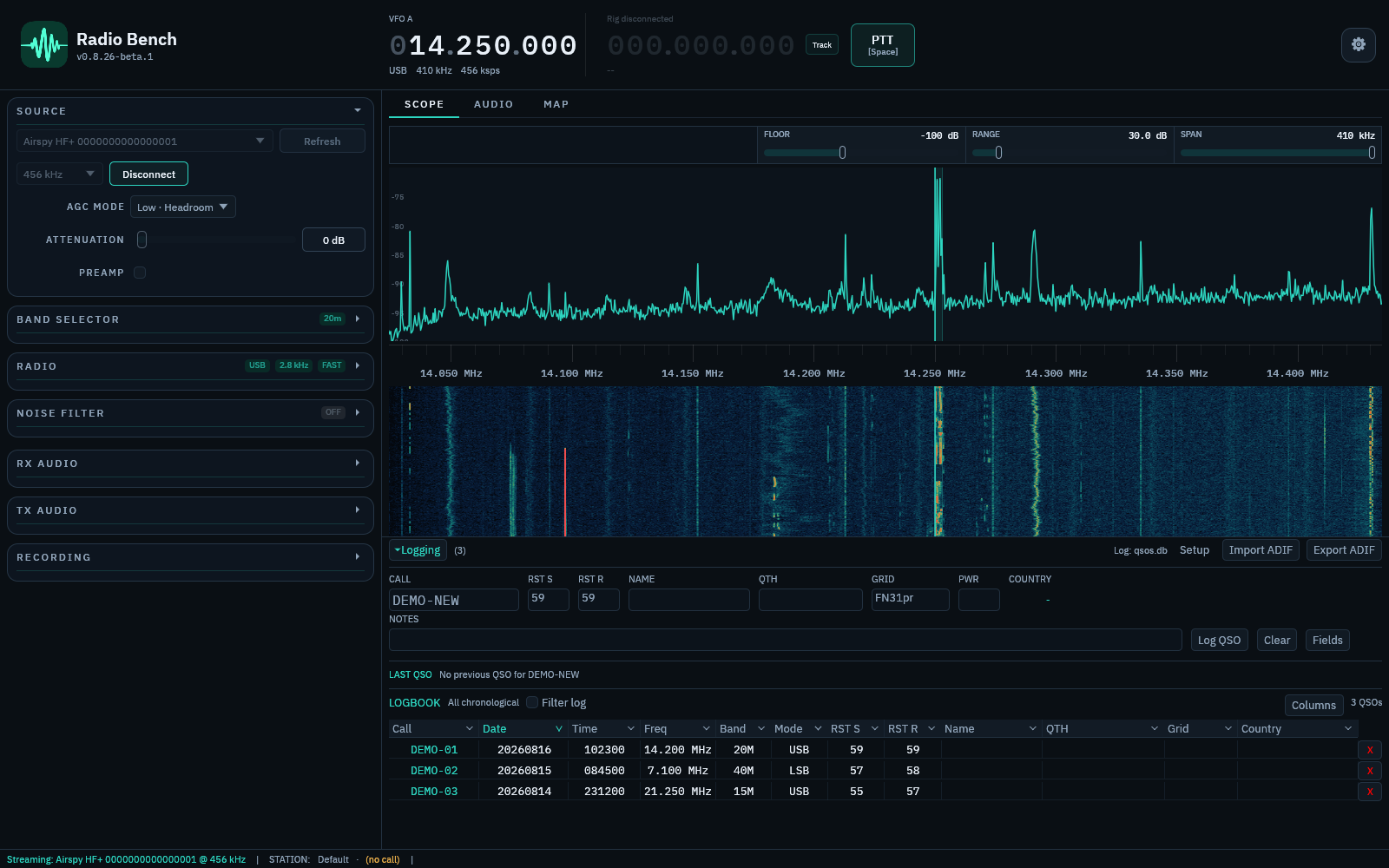
Add a contact
Enter the contacted callsign, time, frequency, mode, and signal reports. Station profile details can fill related fields.
Review the fields, then save the QSO. Correct a mistaken entry with the edit action.
Find contacts
Use search and filters to narrow the log. Country and DXCC information comes from the callsign resolution data in Radio Bench.
Import and export ADIF
Import an ADIF file to bring existing contacts into Radio Bench. Review the result before you delete the original log.
Export ADIF for backup or transfer to another logging service. Keep periodic exports in a location separate from the computer.
See maps to display resolved contact locations.