Receive and decode CW
CW mode receives Morse signals with a narrow passband. The optional decoder shows received text in a strip between the spectrum and the waterfall.
Tune a CW signal
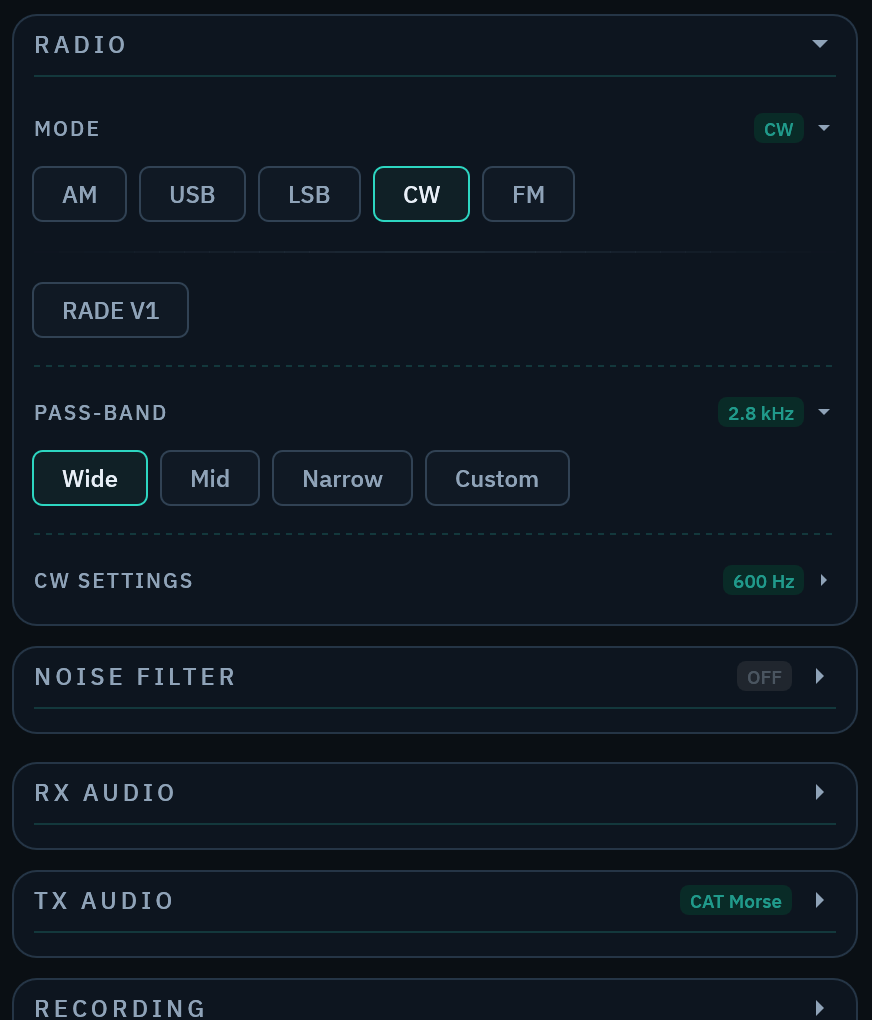
- Select
CWin the mode control. - Tune the signal until its audio tone is clear.
- Select a passband that rejects nearby signals without cutting off the tone.
Enable the decoder
Open the RADIO section in the left control column and turn on CW DECODE. The CW strip shows decoder lock, estimated speed, and received text.
Select Auto under WPM MODE for automatic speed tracking. Select Manual to set the WPM HINT yourself.
Adjust DECODE OFFSET when the decoder target does not match the received tone. The decoder clears its live state when you change this setting.
Check decoded text
Treat decoded text as an operating aid. Noise, fading, interference, and uneven sending can produce errors.
Compare uncertain text with the received audio. Improve tuning and passband selection before you change the speed hint.
Send CW through CAT
A connected Hamlib rig can send CW text. See Configure CAT rig control for connection and error behavior.