Connect an SDR source
The Source panel controls the SDR sample stream. Device controls change when you select a different source family.
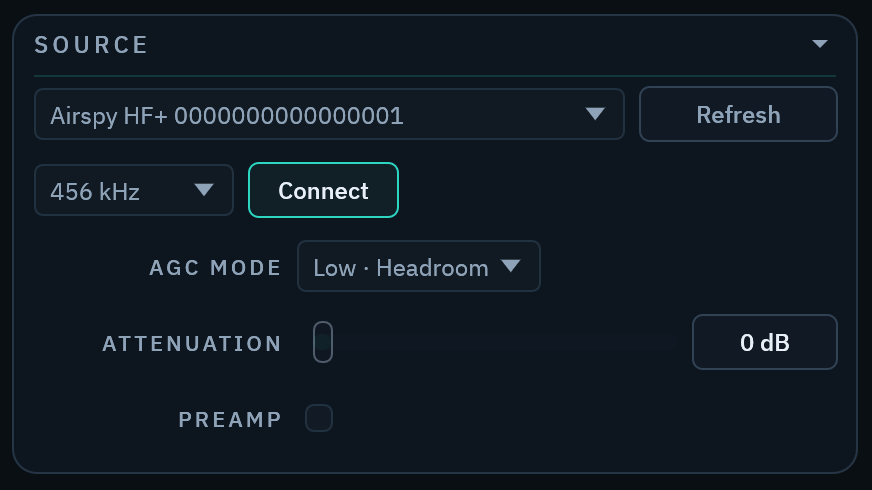
Start a stream
- Connect the SDR or make the network server available.
- Select
Refreshin the Source panel. - Select the source.
- Select a supported sample rate.
- Set device gain and source options.
- Select
Connect(Playfor an IQ file).
The spectrum and waterfall move when samples arrive. The status bar shows a source error if the stream cannot start.
Select the correct source type
Use RTL-SDR or Airspy HF+ for a local USB device.
Use RTL-TCP or SpyServer for a network receiver. Use IQ WAV to replay a recording.
Stop before connection changes
Stop the stream before you change a host, port, file, or sample rate. Some gain controls remain available during streaming.
Radio Bench saves controls for each source. An Airspy HF+ keeps settings for its device serial.